FAQs › How do I change my “Individual User Account” password?
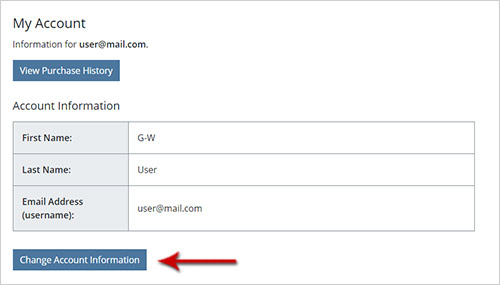
Go to your My Account page by selecting the My Account link in the top navigation.

Select the Change Account Information button near the bottom of the page.
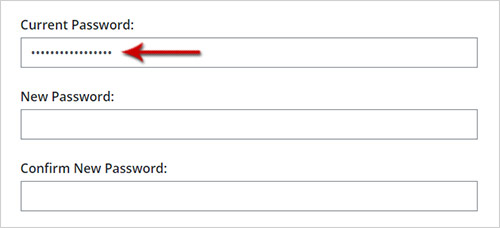
Enter your current password in the Current Password field.
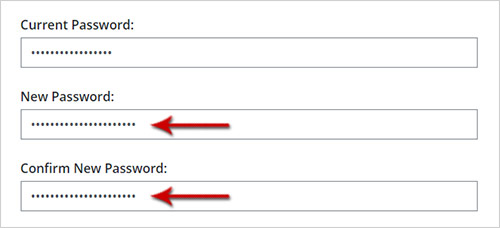
Enter your new password in the New Password and Confirm New Password fields.
Select Submit Changes.

You will receive on-screen verification that your password has been updated.
‹‹‹ Back to FAQ List